

Skip to content
ProjEase

Plagenda · Plan & Deliver

Plan the work, see who is carrying it, ship it.

Projects shaped to how you deliver, scrum, kanban, waterfall or a mix, with the planning, quality and reporting screens each one needs and none of the ones it does not.

Start free trialTry the live demo

$2.49 per user, per month on its own, or part of Pro at $7.99, both billed yearly. 14-day trial; your card is charged only when it ends.

Drag a ticket into progress

Drag a ticket into progress, then open it: owner, points, and the time tracked against it.Sample data, recorded in the ProjEase demo sandbox · 12s · no sound
What happens in this demo

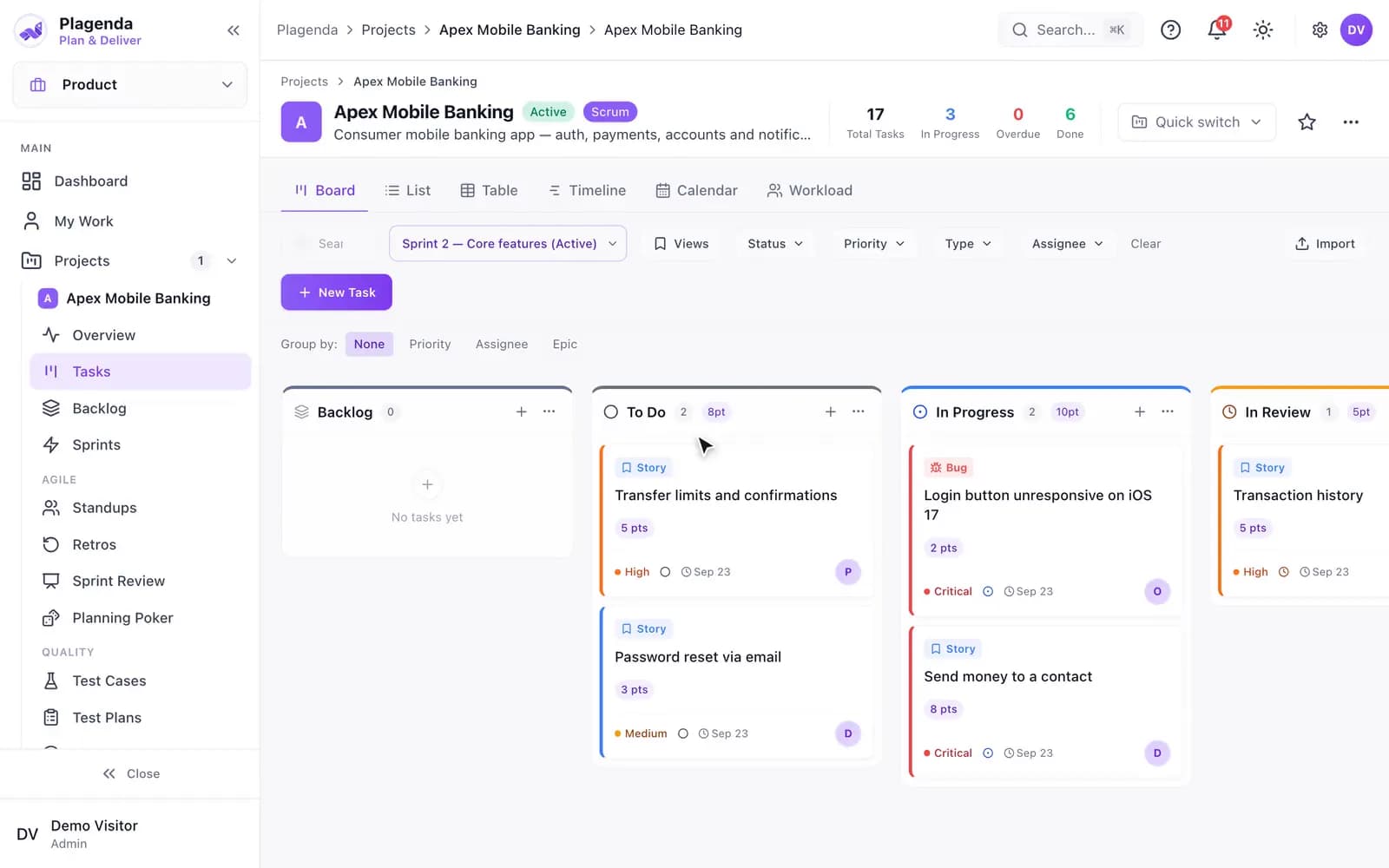
On the Apex Mobile Banking board, a ticket is dragged from To Do into In Progress and the column’s point total moves with it. A ticket is then opened: its description and acceptance criteria, its status, assignee, priority, sprint, due date and story points, its checklist and its comments — and, under Time tracked, thirteen hours logged by one person, with a link through to the time it was tracked in.

01 / 05

Know what is yours today

A personal view first, because most people open a project tool to find out what to do next.

  • My Work: today, this week, assigned by me, waiting and due soon
  • Inbox for everything that mentions or is assigned to you, and Focus Mode for one task at a time
  • Board, list, table, timeline, calendar and workload views of the same tickets

02 / 05

Run sprints properly

The agile ceremonies, with the numbers computed from what actually moved.

  • Backlog with hierarchy, sprint planning and planning poker
  • Standups with history by day and by person, and retrospectives
  • Sprint review: completed work, comparison with earlier sprints, cycle time, cumulative flow and sprint health, for any past sprint
  • Reports: velocity, burndown, burnup, cumulative flow, throughput, cycle and lead time

03 / 05

Plan across projects

What is coming, what depends on what, and whether the team can carry it.

  • Roadmap built from epics, milestones and sprints, edited in place
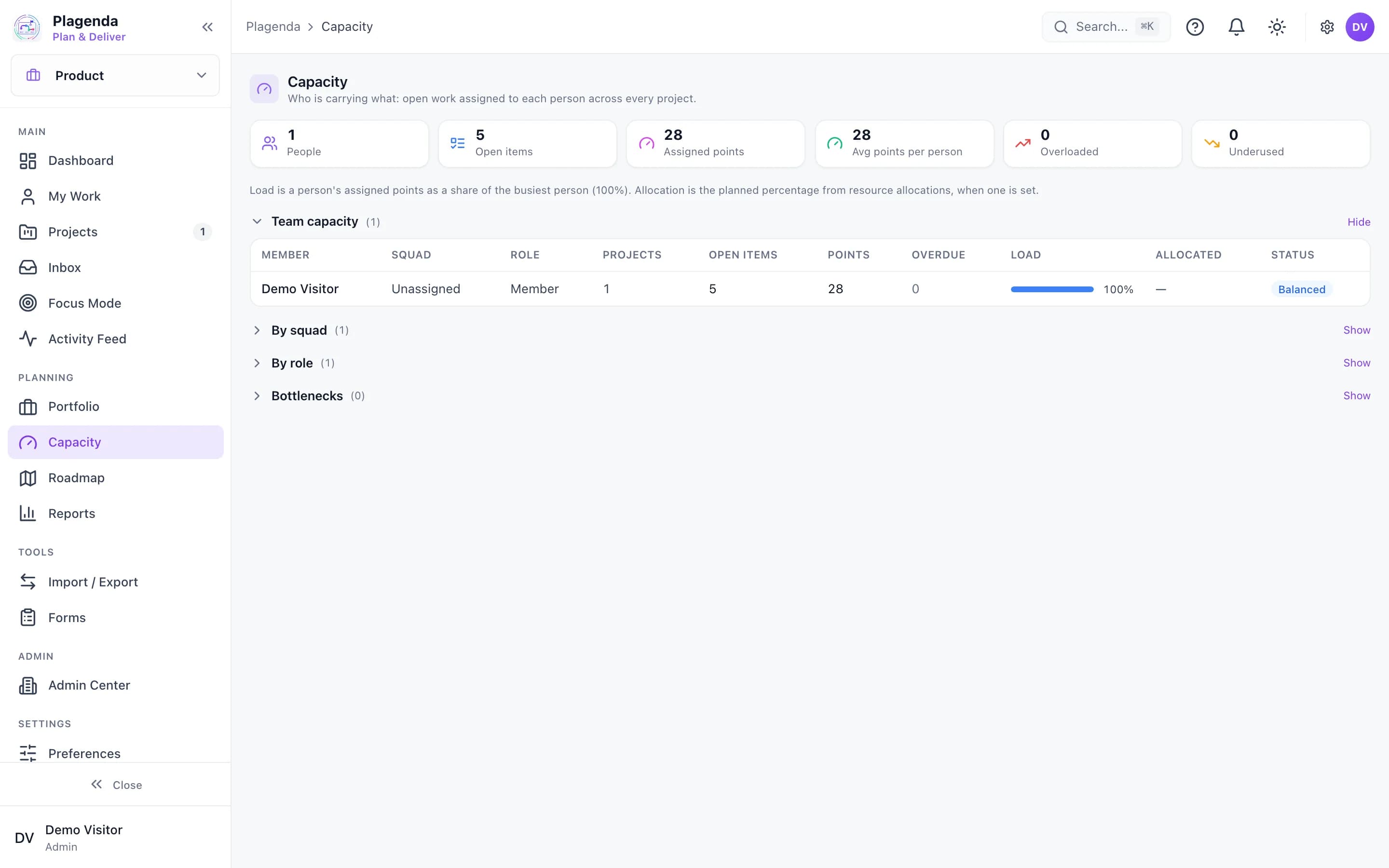
  • Capacity: open work per person, by squad and by role, with overload called out
  • Portfolio across projects, goals and OKRs, and releases
  • Dependencies between any two tickets, and one list of blockers and risks with owner and severity
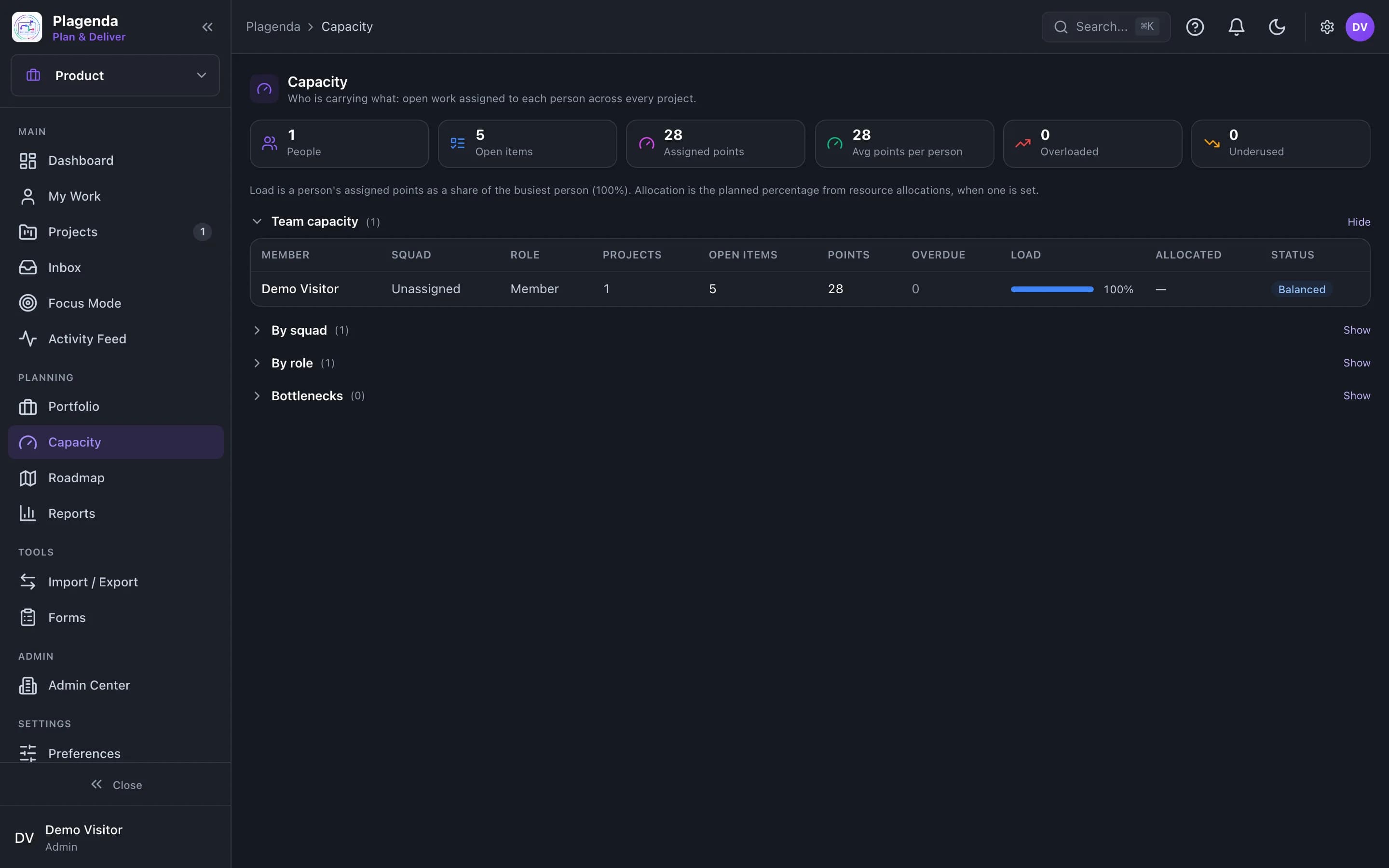
Plagenda Capacity screen showing open items, points and load per person

04 / 05

Test what you ship

Test management inside the project, not in a spreadsheet beside it.

  • Test cases, test plans and test runs, with results posted as passed, failed or blocked
  • QA coverage, requirements traceability, release gates and a quality dashboard

05 / 05

Get work in, and get started fast

Intake from outside the team, and a first project that is not a blank page.

  • Forms: public intake pages whose submissions arrive as tickets for review
  • Project types and templates that switch on only the screens that type needs
  • Import from CSV, Excel and JSON files, including exports from Jira, Trello and Asana; export the same way
  • Project rules, a readable audit log, roles and an archive that says what restoring will do

Workflows

Where Plagenda hands work on

Nobody spends Monday morning adding one person to five tools.

A new hire’s first day

One invitation puts a new person where they need to be in every product you hold.

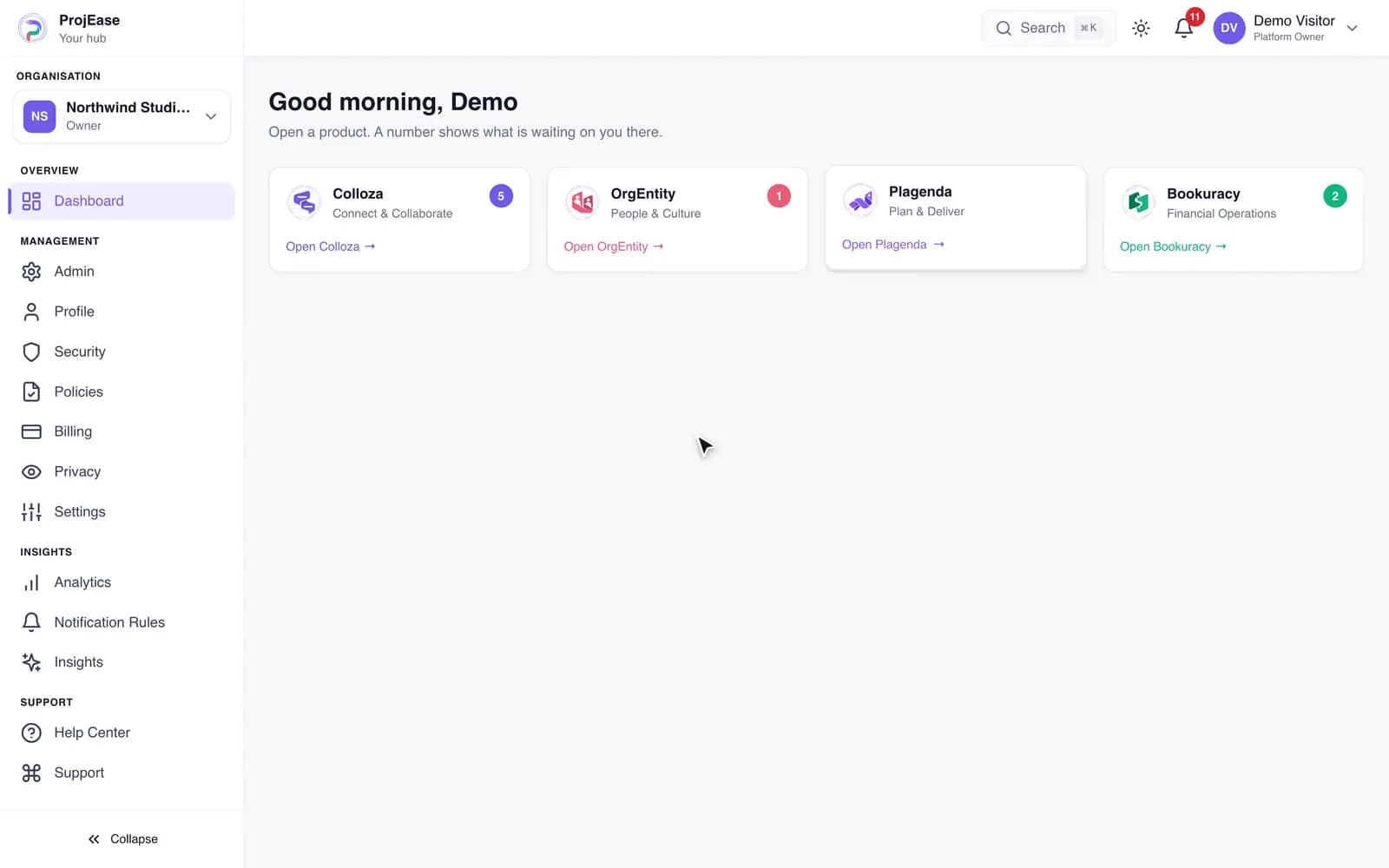
The Hub counts what is waiting on you in each product

Sample data, recorded in the ProjEase demo sandbox · 5.9s · no sound
What happens in this demo

The Hub dashboard shows a card for Colloza, OrgEntity, Plagenda and Bookuracy, each with a count of what is waiting on you in it. Open OrgEntity is pressed and OrgEntity loads, already signed in.

The hours you worked are the hours you bill, without a spreadsheet in between.

From project to paid

A project, its tickets, the time tracked on them and the invoice that bills it, in one line.

The project has its own zone, made when the project was

Sample data, recorded in the ProjEase demo sandbox · 7.7s · no sound
What happens in this demo

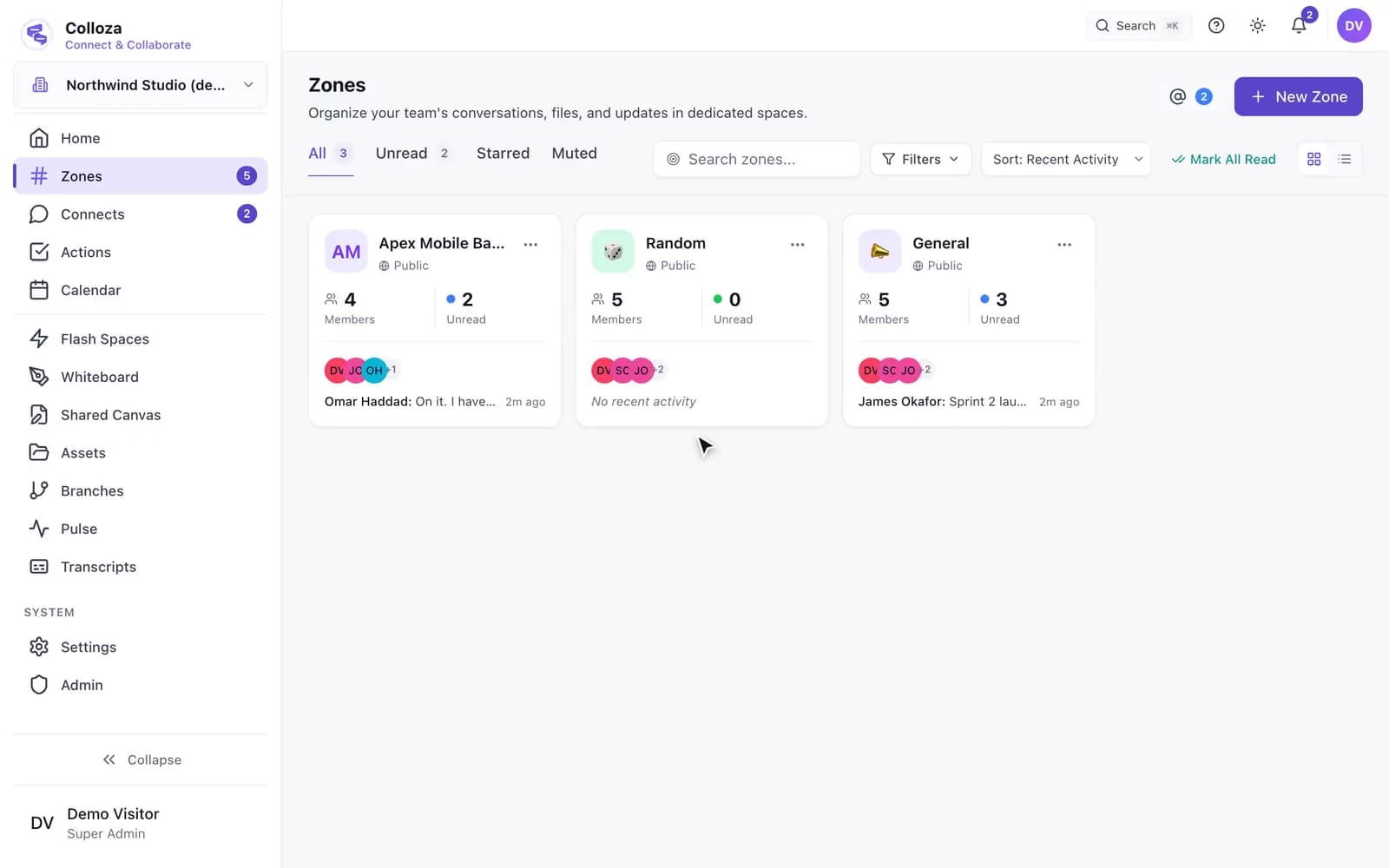
The Zones screen lists a zone named after the project, Apex Mobile Banking, beside General and Random. Opening it shows the project team talking in it, and its header carries the project: the project’s name, its running sprint, and how many tickets are still open. Its member list is the project’s member list.

With the other products

  • A new project can get a Colloza zone of the same name, kept in step as members join and leave.
  • Projects and tasks are the items people track time against in OrgEntity.
  • The project overview shows what Bookuracy has invoiced, been paid and spent on that project.

Each link applies when your plan includes both products.

Set your company up this afternoon.

Sign-up asks for your company, the plan, and who to invite, then builds the account: first zones, first project, leave types, currency. You have 14 days before anything is charged.