

Skip to content
ProjEase

OrgEntity · People & Culture

The people side of the company, from offer letter to last day.

Records, time, leave, requests and reviews in one place, with an approval path behind every request and a default role for every kind of user.

Start free trialTry the live demo

$2.49 per user, per month on its own, or part of Pro at $7.99, both billed yearly. 14-day trial; your card is charged only when it ends.

Clock in on a project task

Clock in on a Plagenda task, watch the timer run against it, and clock out.Sample data, recorded in the ProjEase demo sandbox · 10.8s · no sound
What happens in this demo

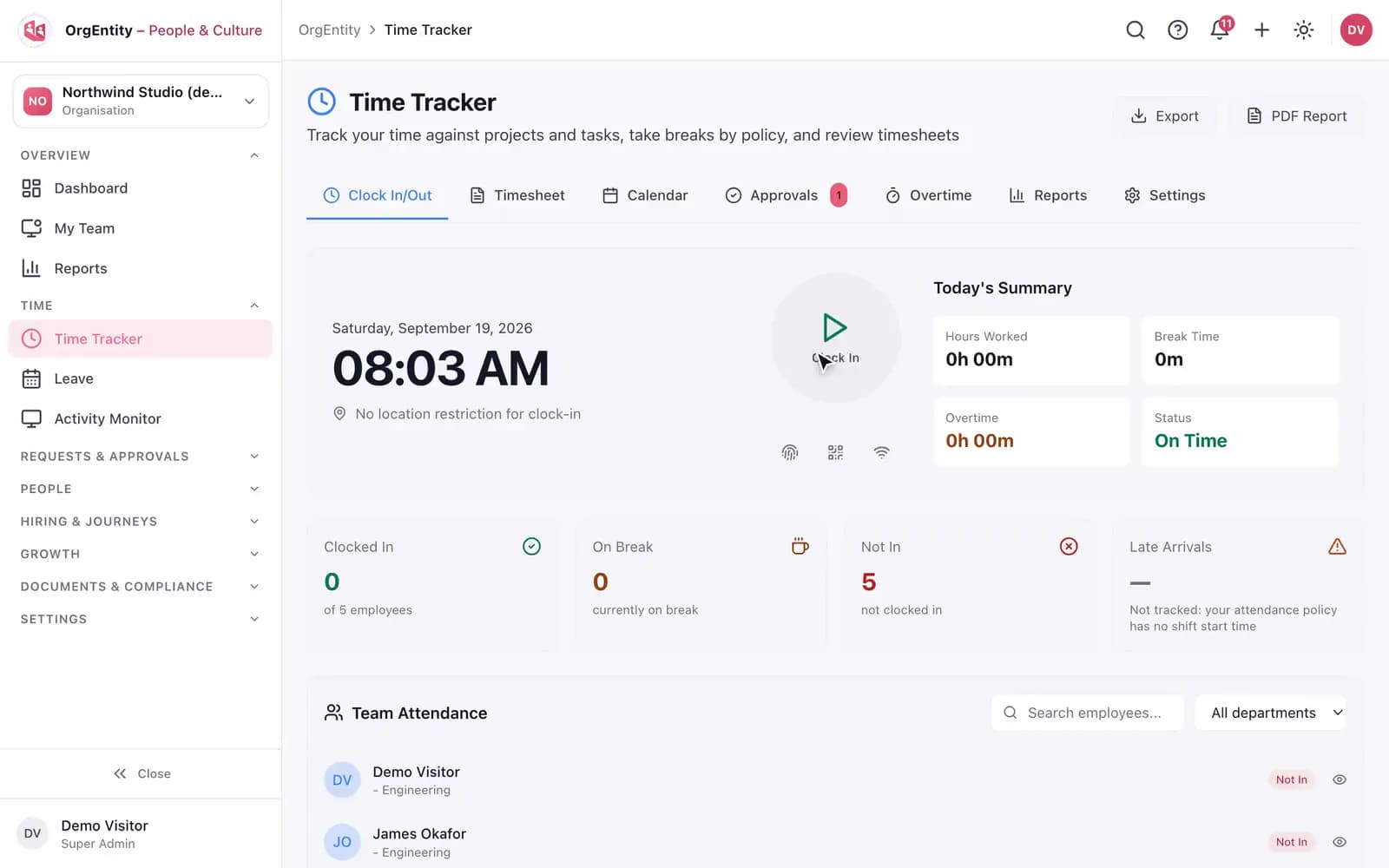
In the OrgEntity Time Tracker, Clock In opens a dialog listing the person’s own projects; Apex Mobile Banking is chosen and its open tasks appear. The task "Send money to a contact" is picked and the clock-in is confirmed. Today’s Work Segments then shows that task, named with its project and marked billable, with its time counting up. Clocking out leaves the segment and its hours on the day.

01 / 06

Track time and leave

Hours are recorded against real work, and time off follows your policies.

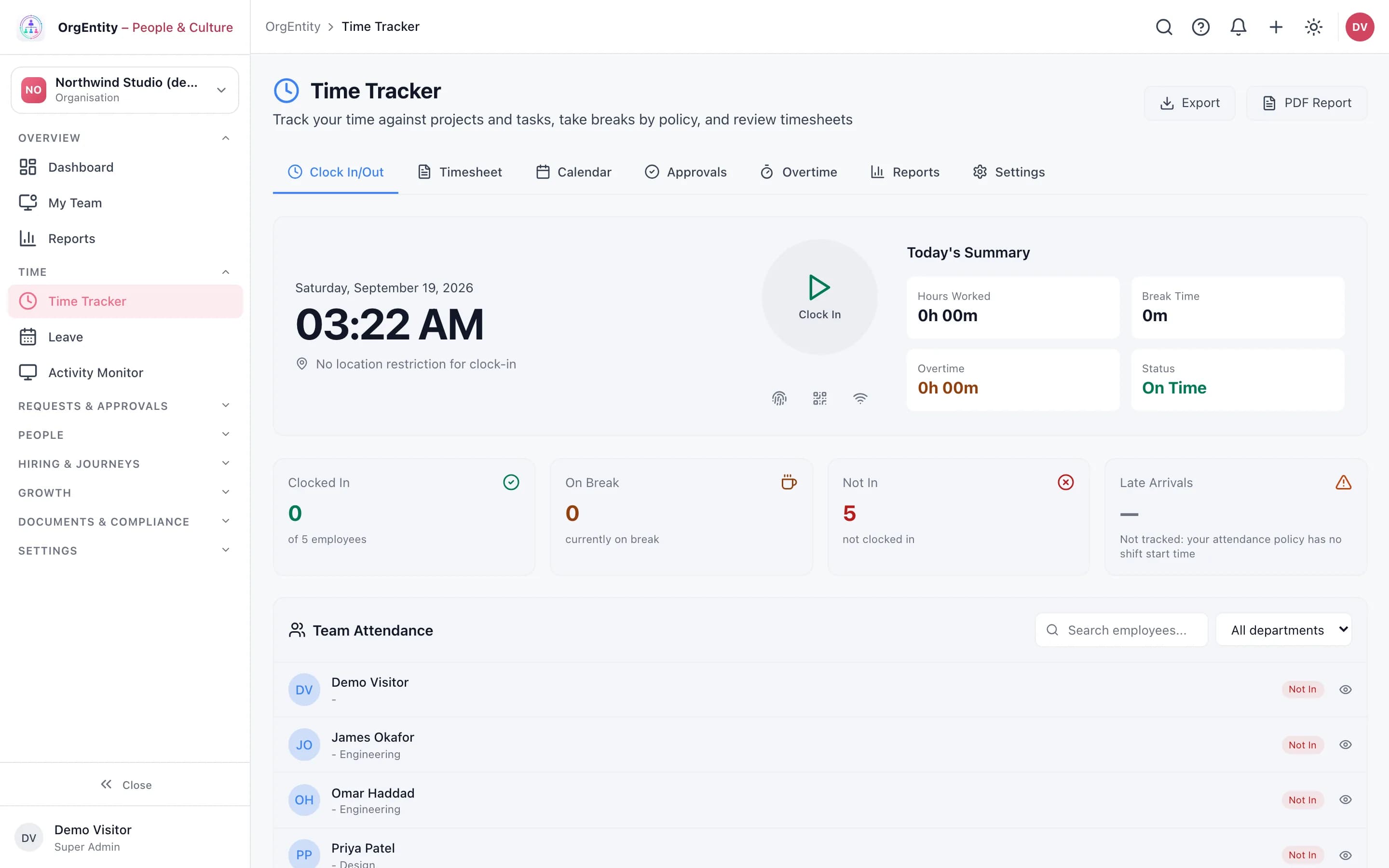
  • Clock in and out against a project and task, with breaks by policy
  • Weekly timesheets: submit, send back, resubmit, approve. Approved weeks lock
  • Leave types, balances, team calendar, public holidays and an approval queue
  • Activity Monitor: with the OrgEntity Tracker installed, time, activity level and app usage per person. No keystrokes are recorded, and screenshots are a paid add-on that is off by default
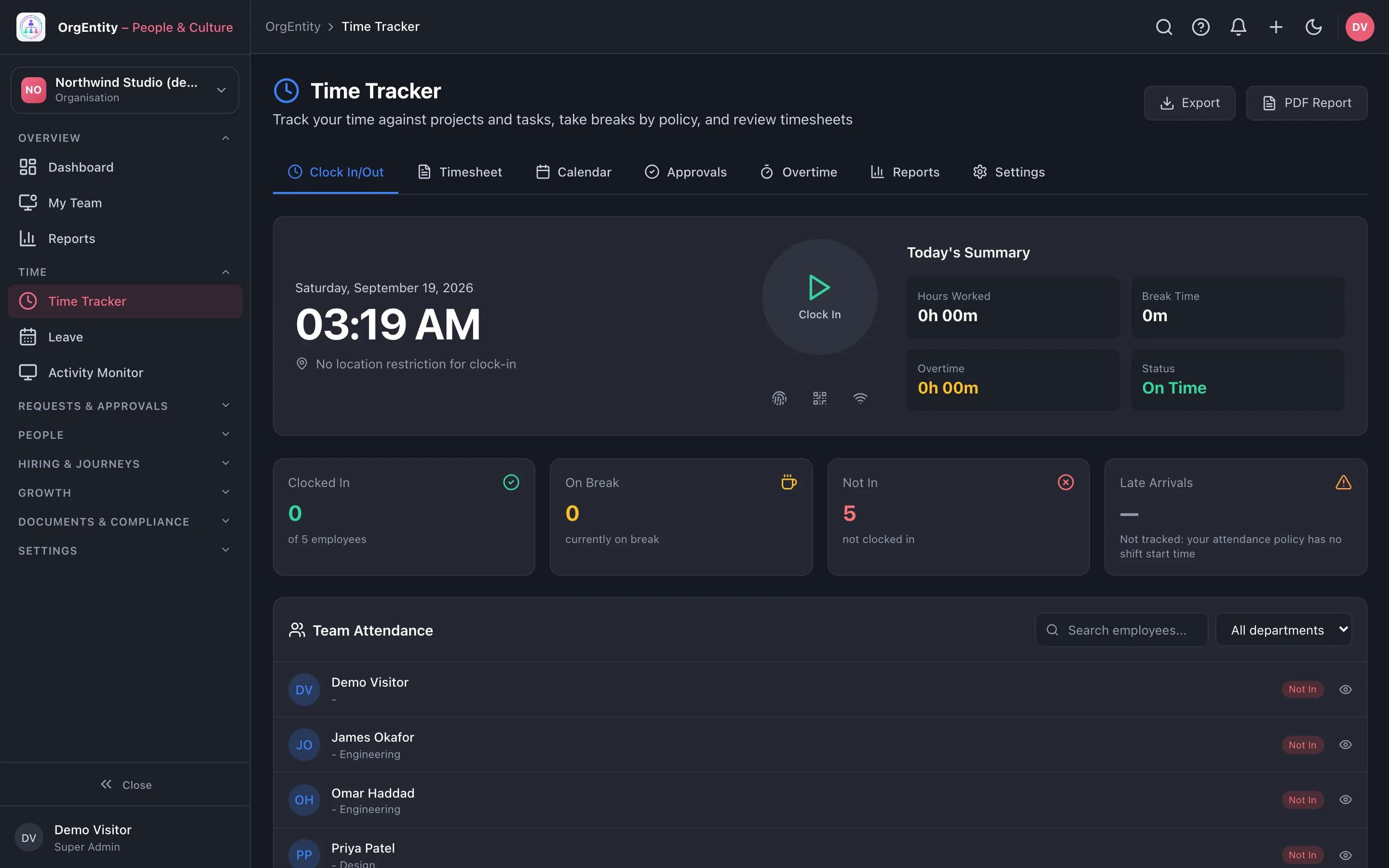
OrgEntity Time Tracker with clock in, today’s summary and team attendance, from the demo sandbox

02 / 06

Handle requests and approvals

One area for everything an employee asks for and everything a manager has to decide.

  • Requests and Approvals side by side, with asset requests and expense claims
  • Expense claims with receipts, approved by a manager
  • A workflow builder for your own approval paths

03 / 06

Keep the record straight

Who works here, where, reporting to whom, on what terms.

  • Employee directory and profiles, with history
  • Org chart, departments and locations, with head-counts taken from the records
  • Compensation planning, contractors, employee relations cases and emergency contacts
  • Six default roles (HR admin, Manager, Recruiter, Payroll admin, Benefits admin, Employee) with a table of what each can do

04 / 06

Hire, onboard and offboard

The same checklist discipline on the way in and on the way out.

  • Recruitment: openings, candidates and stages
  • Onboarding and offboarding journeys with tasks and owners
  • An internal job board for moves inside the company
  • Provisioning: grant or revoke each person’s access to the products you hold, from one screen

05 / 06

Grow people

Reviews and goals that are written down, and skills you can see across the team.

  • Performance reviews and Goals & OKRs
  • Skills, skill gaps, training, assessments and career paths
  • Succession planning and engagement surveys

06 / 06

Documents and compliance

Paperwork that is signed, acknowledged and findable.

  • E-signatures in the browser, including signers outside the company through a single-use, expiring link, with an audit trail
  • Policies that every employee acknowledges, with progress and reminders
  • GDPR requests with a one-month due date, and a compliance calendar
  • Two-factor sign-in with an authenticator app and backup codes

Workflows

Where OrgEntity hands work on

Nobody spends Monday morning adding one person to five tools.

A new hire’s first day

One invitation puts a new person where they need to be in every product you hold.

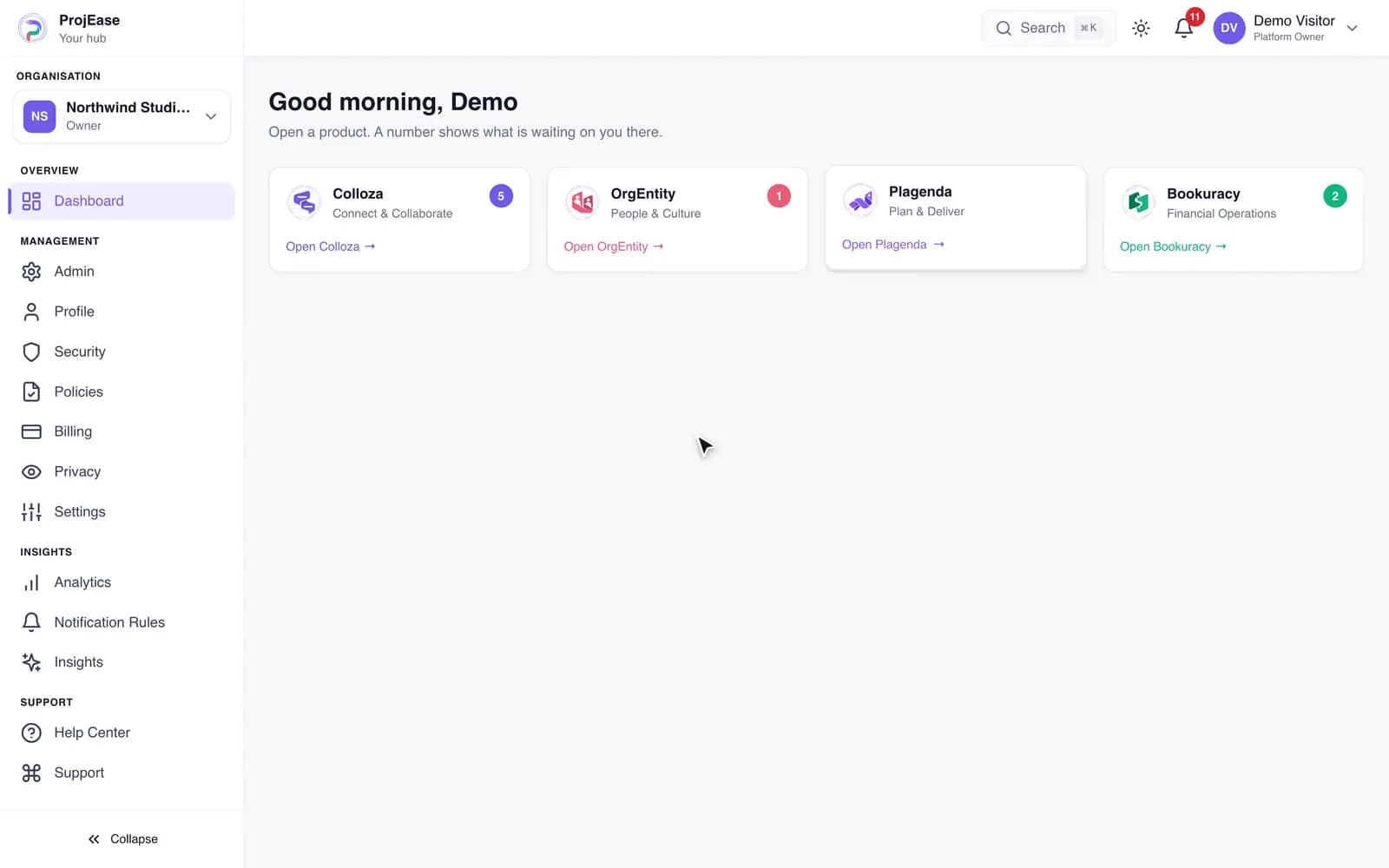
The Hub counts what is waiting on you in each product

Sample data, recorded in the ProjEase demo sandbox · 5.9s · no sound
What happens in this demo

The Hub dashboard shows a card for Colloza, OrgEntity, Plagenda and Bookuracy, each with a count of what is waiting on you in it. Open OrgEntity is pressed and OrgEntity loads, already signed in.

The hours you worked are the hours you bill, without a spreadsheet in between.

From project to paid

A project, its tickets, the time tracked on them and the invoice that bills it, in one line.

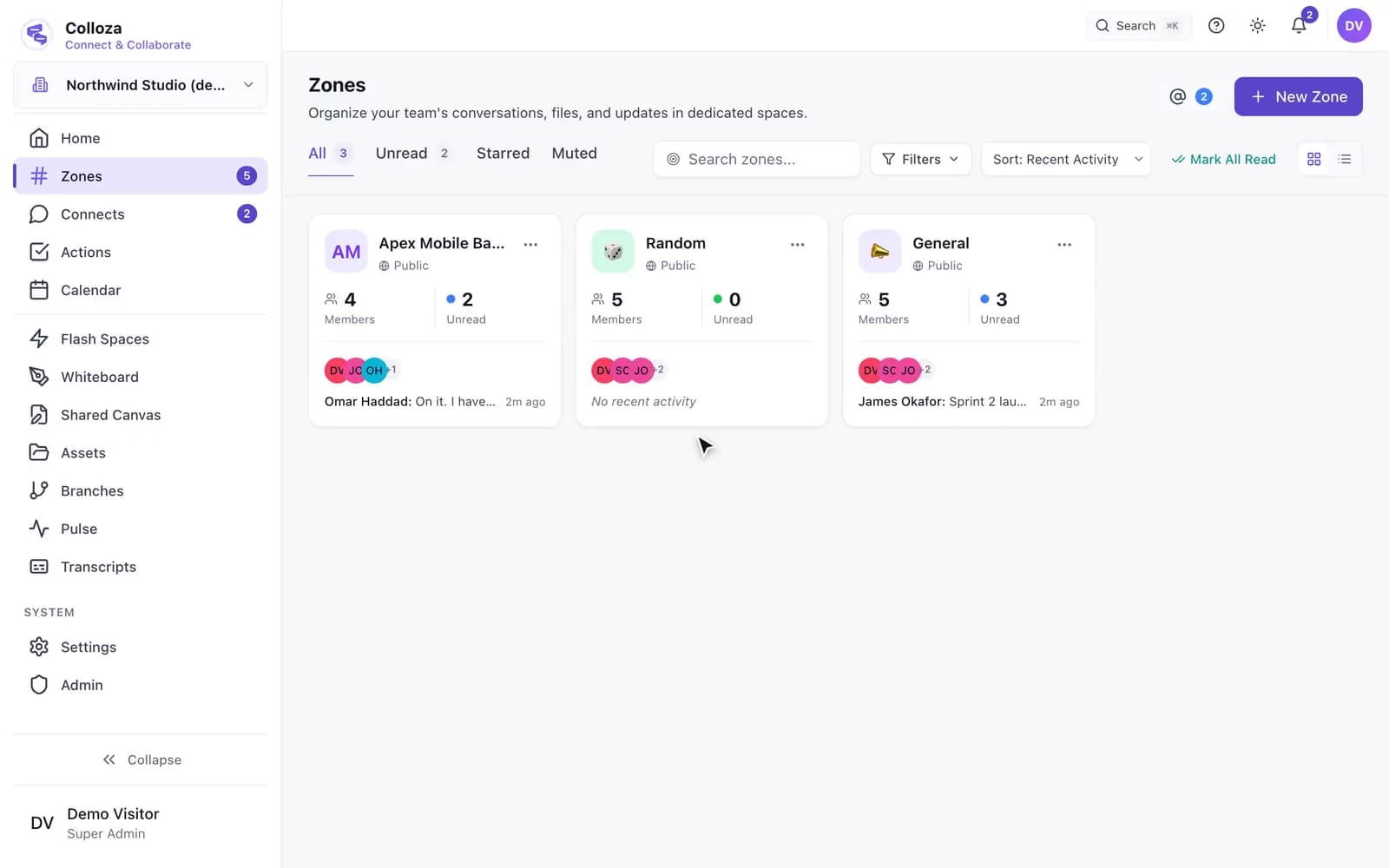
The project has its own zone, made when the project was

Sample data, recorded in the ProjEase demo sandbox · 7.7s · no sound
What happens in this demo

The Zones screen lists a zone named after the project, Apex Mobile Banking, beside General and Random. Opening it shows the project team talking in it, and its header carries the project: the project’s name, its running sprint, and how many tickets are still open. Its member list is the project’s member list.

With the other products

  • The time tracker lists the person’s own Plagenda projects and open tasks, so hours land on real work.
  • An approved expense claim appears in Bookuracy as an expense marked as coming from OrgEntity.

Each link applies when your plan includes both products.

Set your company up this afternoon.

Sign-up asks for your company, the plan, and who to invite, then builds the account: first zones, first project, leave types, currency. You have 14 days before anything is charged.