

Skip to content
ProjEase

Bookuracy · Financial Operations

Get paid, know what you owe, see the month.

Estimates, invoices, payments, expenses and bills for a company that wants its money in order without learning an accounting system first.

Start free trialTry the live demo

$2.49 per user, per month on its own, or part of Pro at $7.99, both billed yearly. 14-day trial; your card is charged only when it ends.

An estimate, sent to the customer

An estimate with the customer: accept it, and convert it into an invoice.Sample data, recorded in the ProjEase demo sandbox · 12s · no sound
What happens in this demo

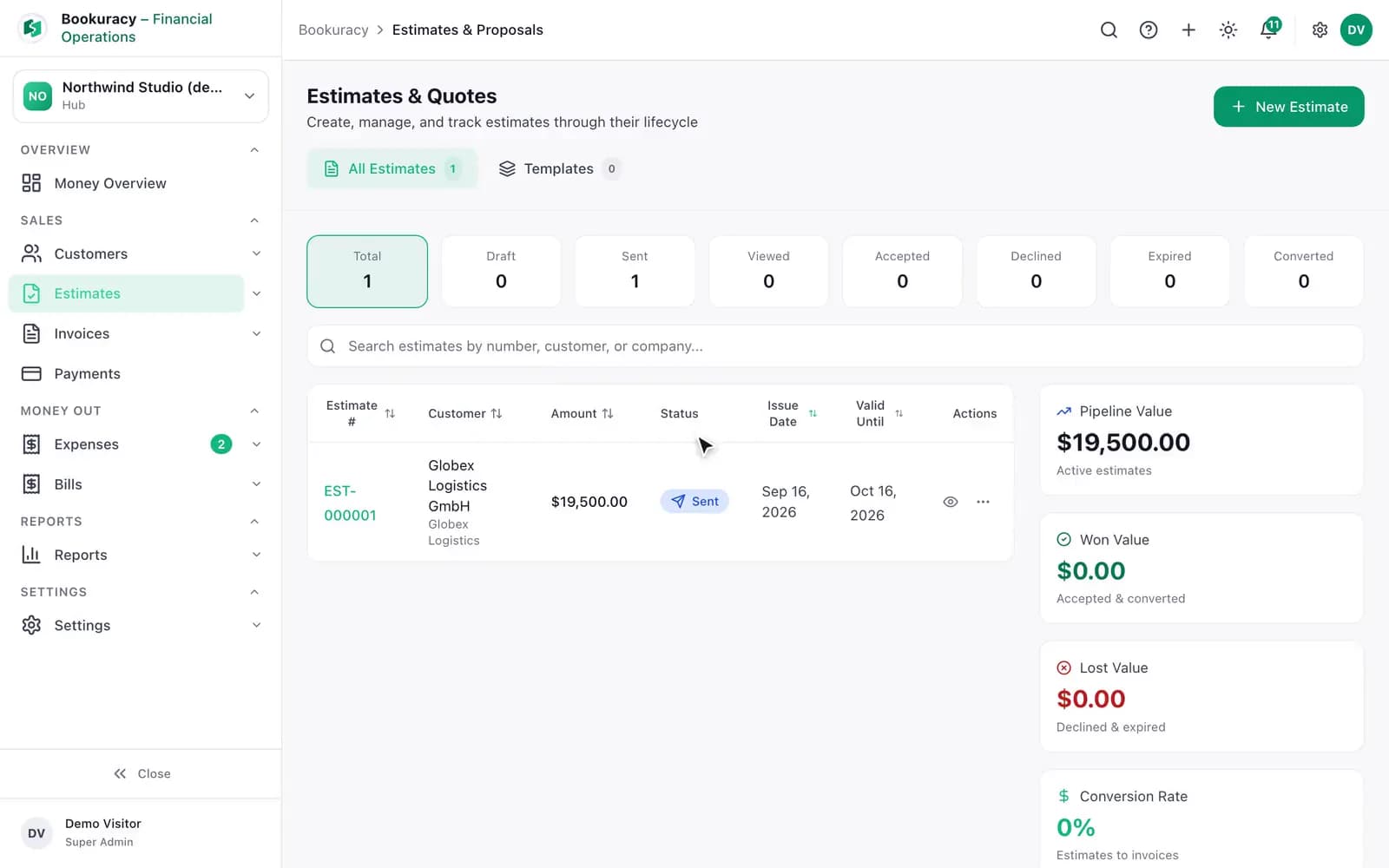
The Estimates screen shows one estimate for 19,500 dollars, sent to Globex Logistics. It is opened as a finished document with its three lines, subtotal, tax and total, and the notes under them. Accepted marks it accepted; Convert to Invoice then turns it into an invoice, the row’s status becomes Converted, and the pipeline figures move to 19,500 dollars won and a 100 per cent conversion rate.

01 / 04

Quote and invoice

From first number to sent document, in your own layout.

  • Estimates and proposals that convert to invoices
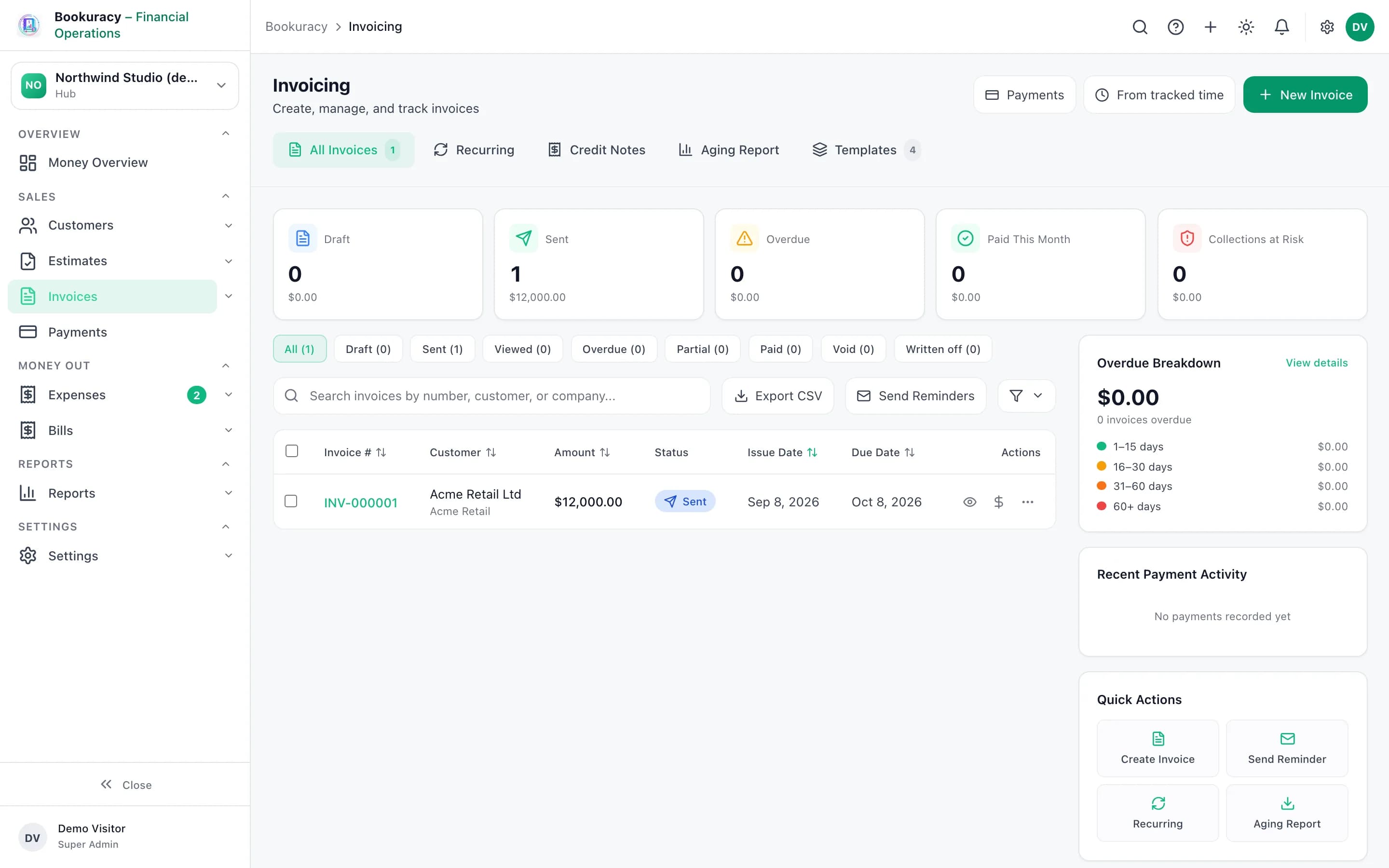
  • Invoices with discounts and tax, emailed to the customer from Bookuracy with the document embedded
  • Four built-in document templates with live preview, plus your own
  • Recurring invoices that raise a draft on schedule, pause and resume
  • Credit notes issued against an invoice, capped at its total
  • Customers with notes, history and rate cards
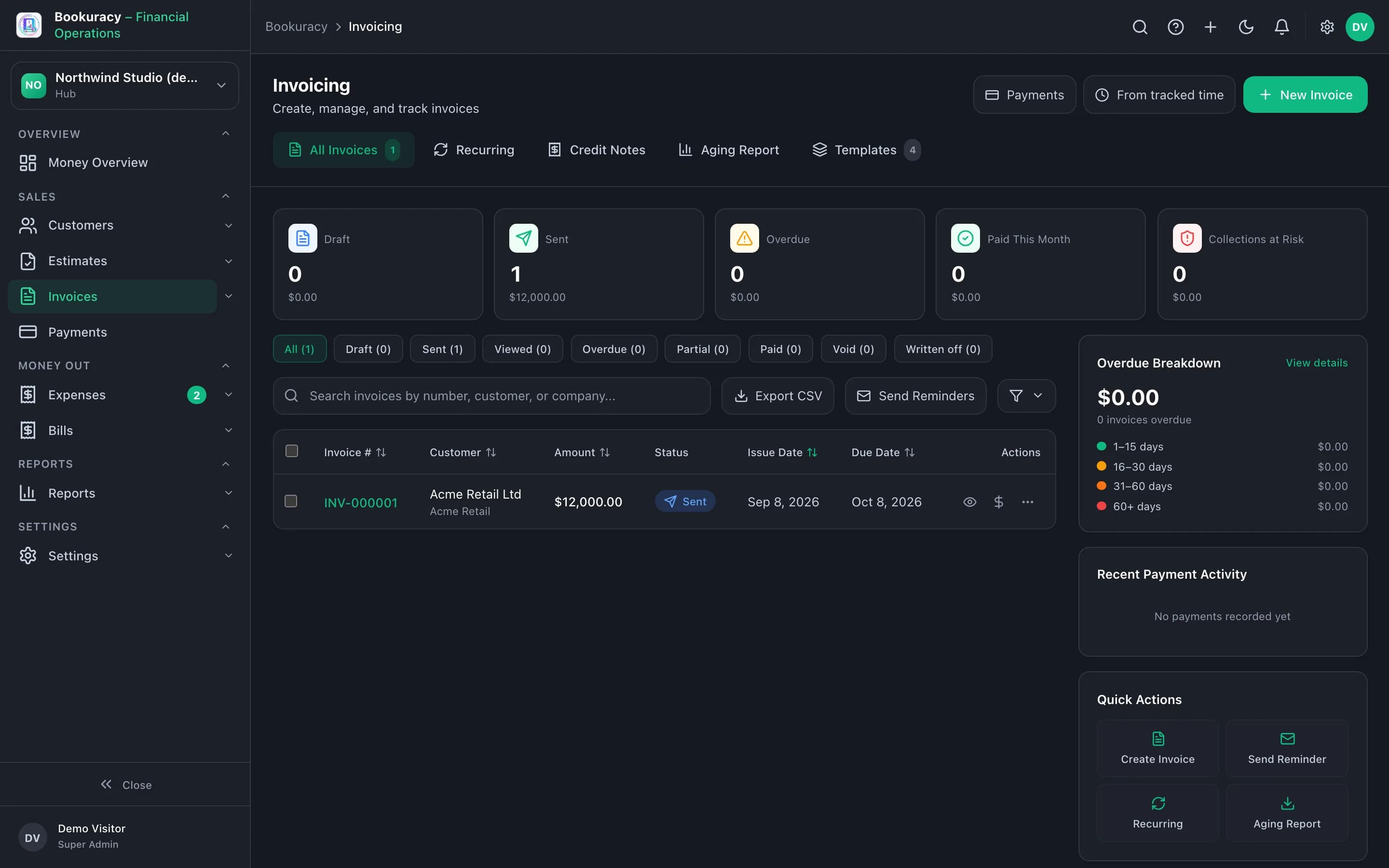
Bookuracy Invoices screen with draft, sent, overdue and paid totals and an overdue breakdown

02 / 04

Get paid

Know who owes what, and chase it without writing the email yourself.

  • Record payments against invoices, in full or in part
  • Receivables ageing, payment reminders singly or in bulk, and a collections list

03 / 04

Control money going out

Expenses and supplier bills, each with an approval before it counts.

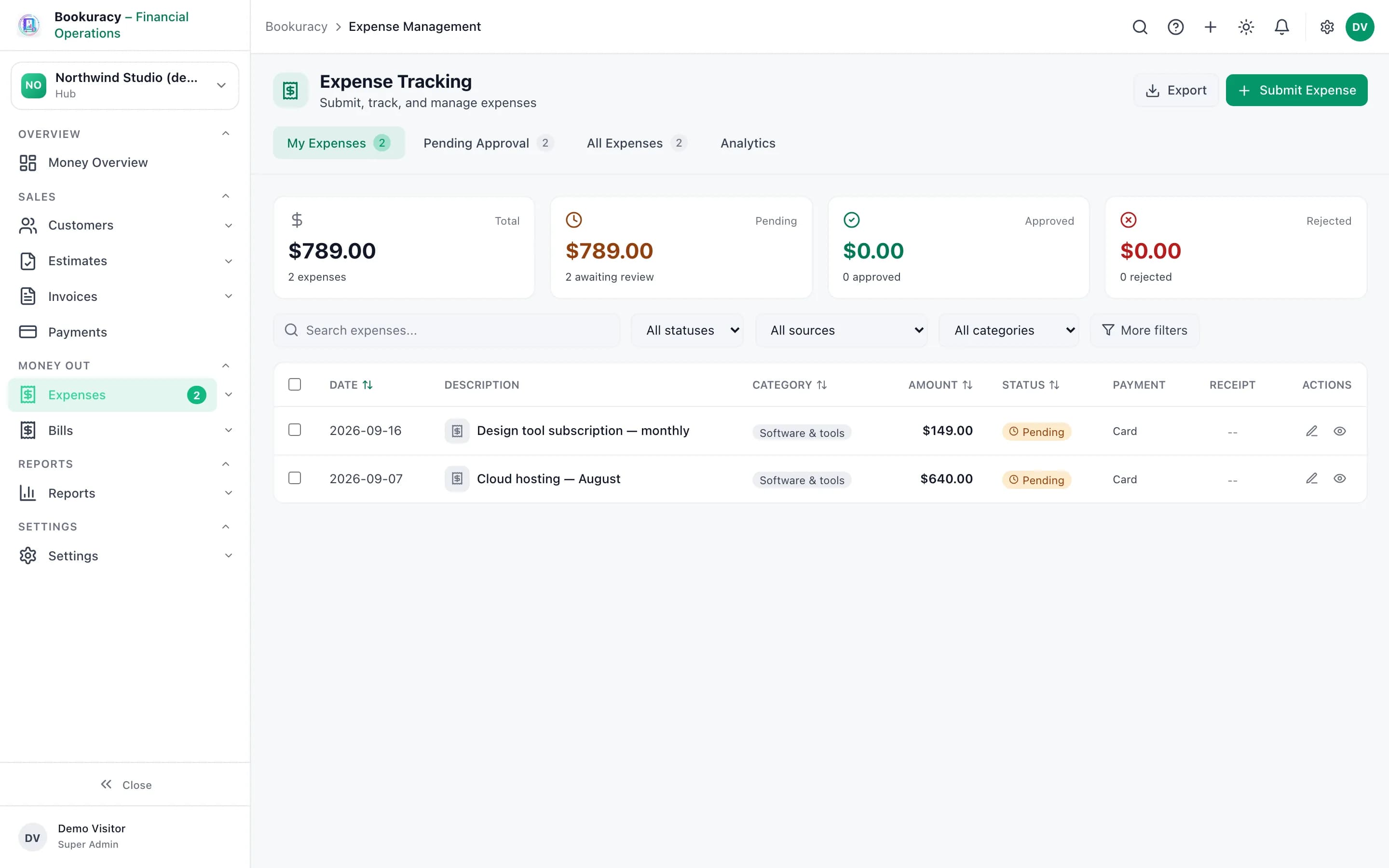
  • Expenses with receipts, categories and approval, and a queue of expenses still missing a receipt
  • Bills numbered by the system, due dates from the vendor’s terms, approval stamped with who and when
  • Vendors with bill and payment history, payables ageing, and purchase requests
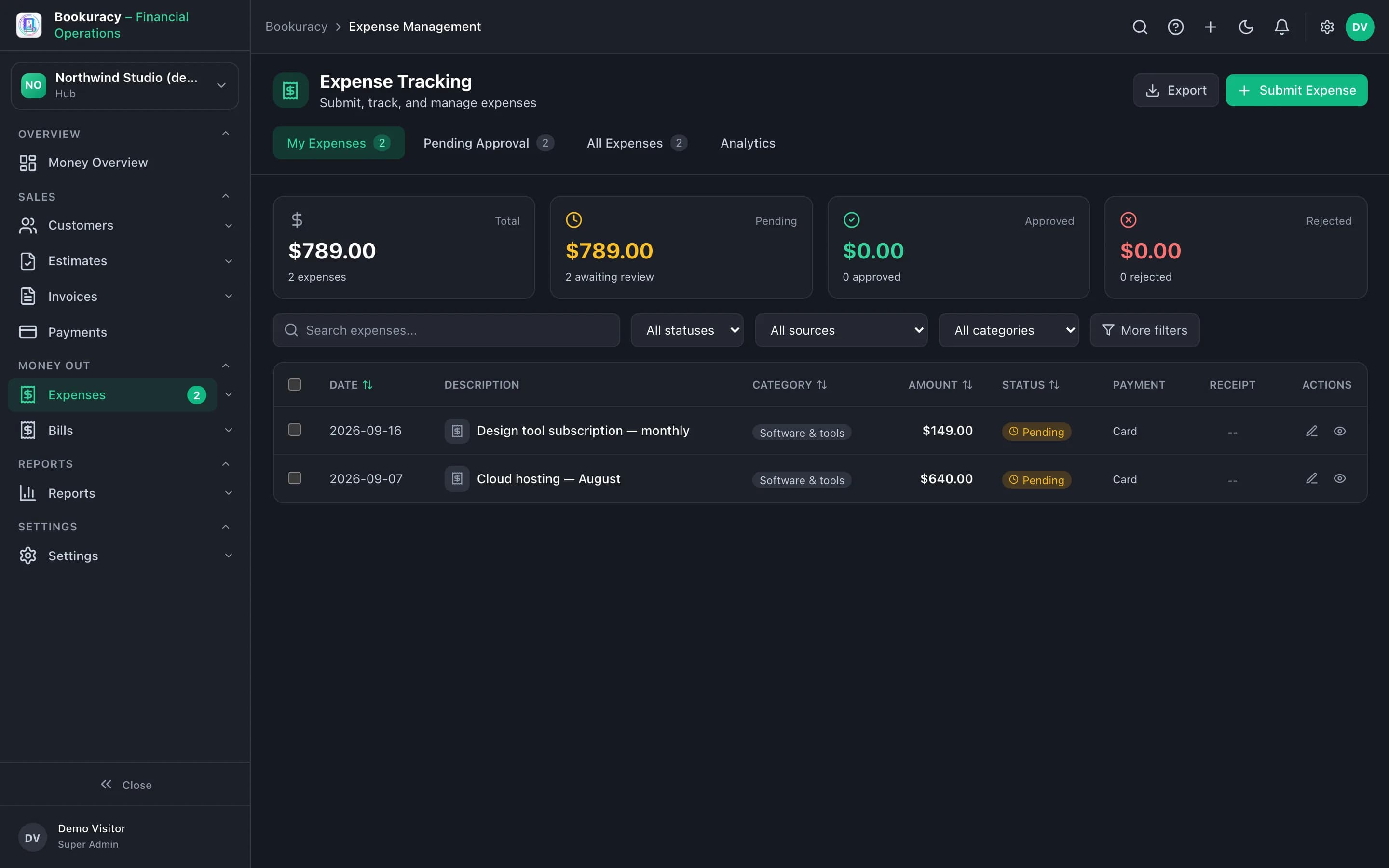
Bookuracy Expenses screen with totals by status and two expenses pending approval

04 / 04

See where you stand

The month at a glance, and reports you can run for any period.

  • Money Overview: revenue, expenses and profit this month, outstanding and overdue invoices, bills due, and the next 30 days in and out
  • Reports: revenue by customer and by period, invoice ageing, outstanding balances, expenses by category, vendor spend
  • A report builder for your own cuts of the same data, with CSV export

Workflows

Where Bookuracy hands work on

The hours you worked are the hours you bill, without a spreadsheet in between.

From project to paid

A project, its tickets, the time tracked on them and the invoice that bills it, in one line.

The project has its own zone, made when the project was

Sample data, recorded in the ProjEase demo sandbox · 7.7s · no sound
What happens in this demo

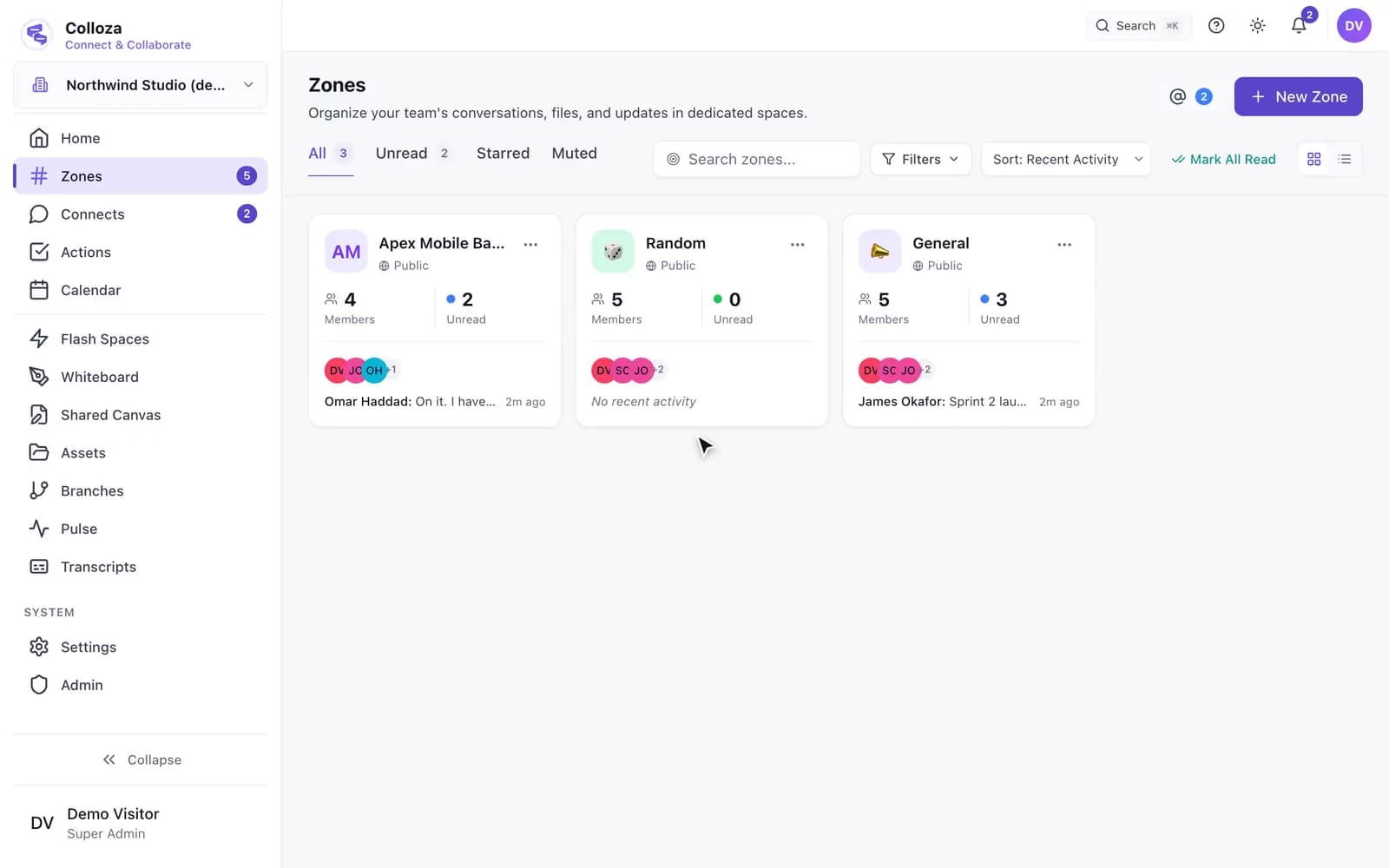
The Zones screen lists a zone named after the project, Apex Mobile Banking, beside General and Random. Opening it shows the project team talking in it, and its header carries the project: the project’s name, its running sprint, and how many tickets are still open. Its member list is the project’s member list.

A receipt should be typed in once, by the person holding it.

An expense against a project

A claim made in OrgEntity ends up in the books and on the project it was for.

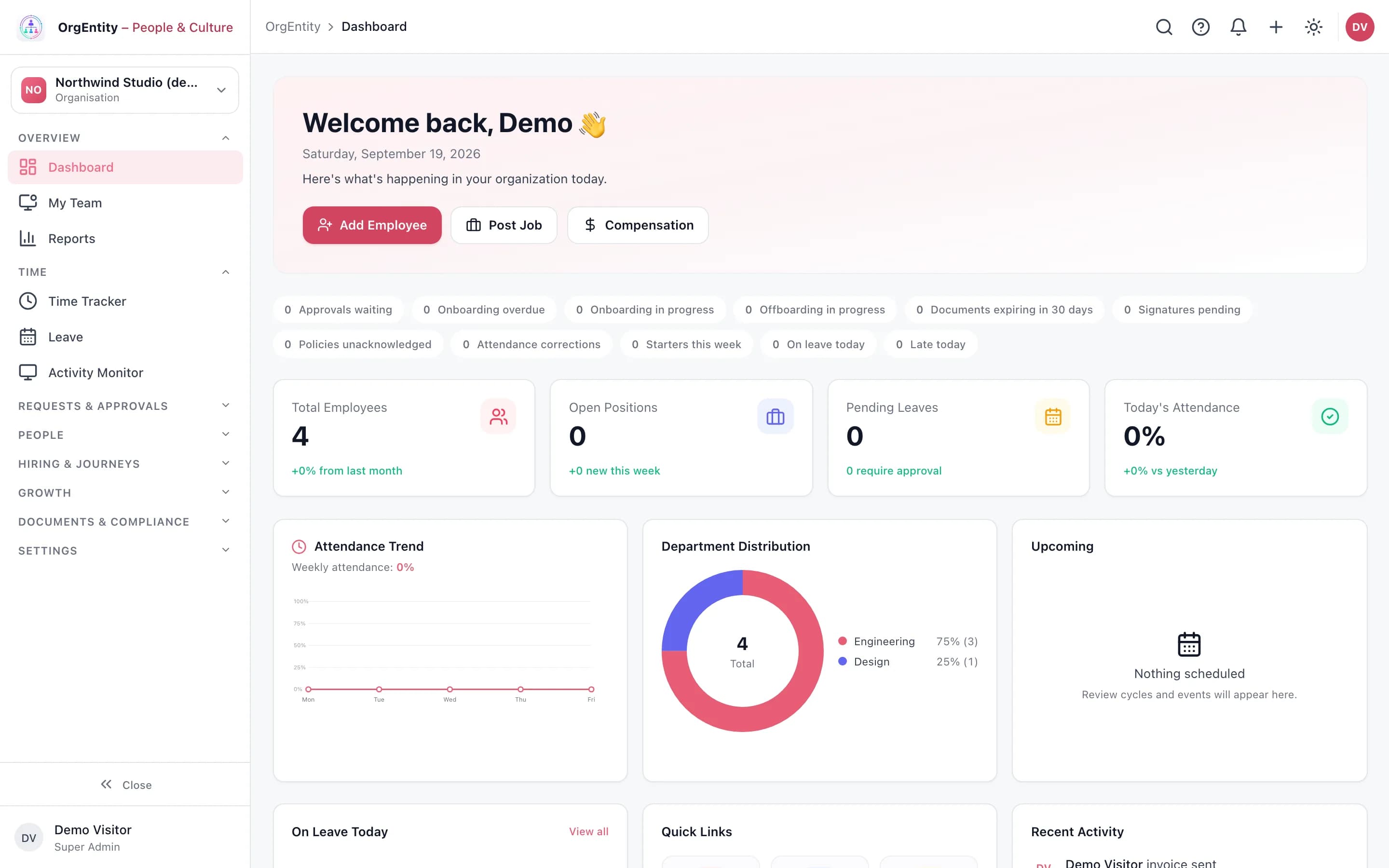
OrgEntity dashboard with its counters for approvals, onboarding and offboarding
Sample data, captured in the ProjEase demo sandbox.

With the other products

  • Bill tracked hours: pick a project, period and people, type the rate, and the hours become invoice lines. Hours already billed are not offered again.
  • Expense claims approved in OrgEntity arrive as expenses, marked with where they came from.

Each link applies when your plan includes both products.

Set your company up this afternoon.

Sign-up asks for your company, the plan, and who to invite, then builds the account: first zones, first project, leave types, currency. You have 14 days before anything is charged.